The cold open
Written to be word-perfect, then delivered at whatever pace the room has that day. A timed scroll is either ahead of you or behind you within two sentences.
 Onwords
Onwords/Who it’s for/Podcasters
Teleprompter for podcasters
Cold opens, sponsor reads and co-hosted episodes, delivered at the pace of the room rather than the pace of a scroll. Onwords listens through your microphone and keeps your line centred — for both of you.
The problem
An episode is rarely read start to finish. It’s a written cold open, a tightly worded sponsor read, and a lot of conversation in between — which is exactly the shape a fixed-speed teleprompter handles worst.
Written to be word-perfect, then delivered at whatever pace the room has that day. A timed scroll is either ahead of you or behind you within two sentences.
Certain phrases have to be said exactly, in order. Reading them off a moving wall of text is what makes an ad read sound like an ad read.
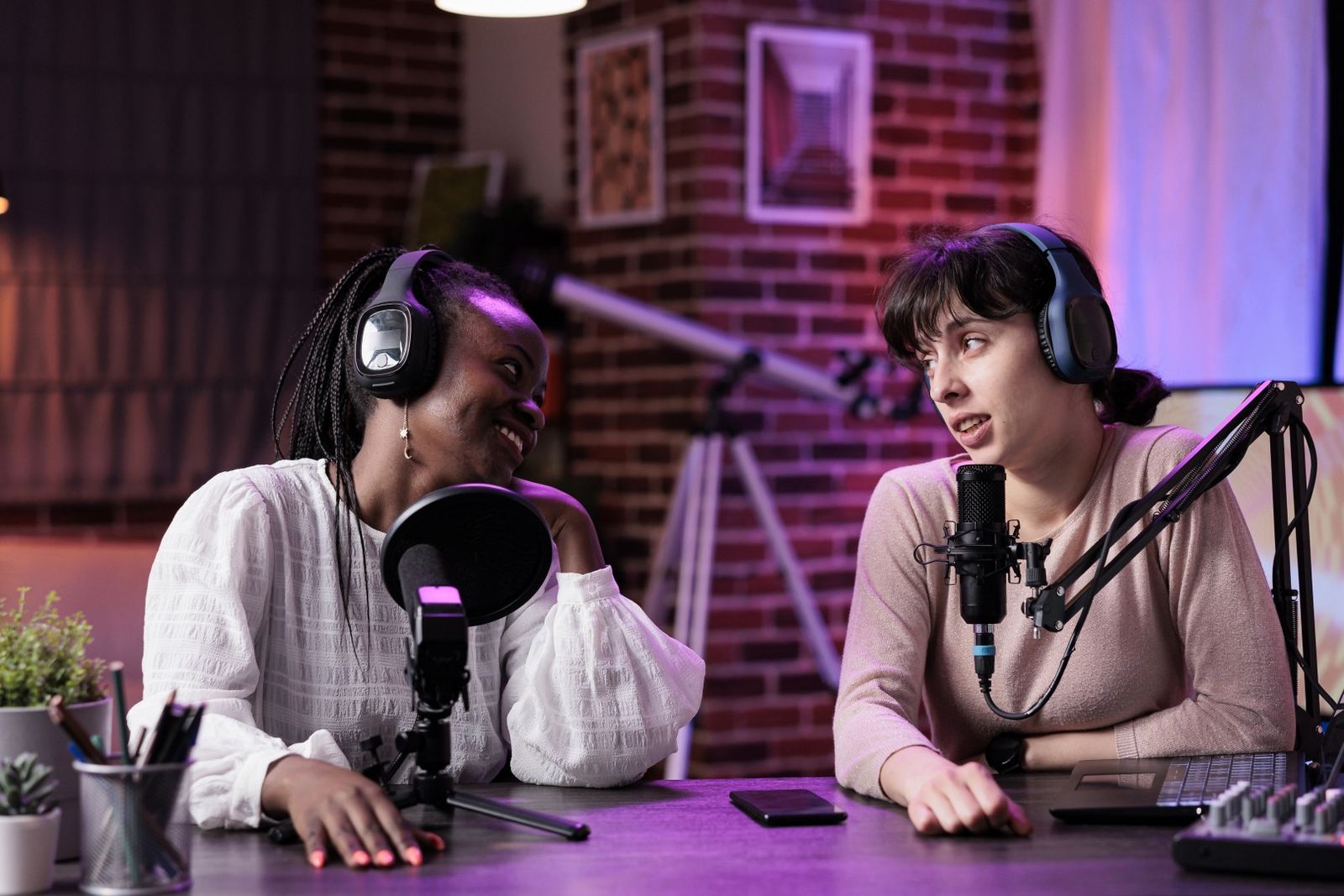
Co-hosted shows put both voices in one block of text. You discover your line has arrived roughly when the silence does.
Two hosts, one script
Tick Two speakers in the editor, assign the lines, and each host’s lines are tinted in the prompter, and in the editor as you write — pale yellow for one, pale blue for the other.

Sponsor reads
The obligations are in the copy: the phrasing, the offer, the code. What sells the read is delivering it at your own pace, with your own emphasis — which is the first thing you lose when you’re chasing a scroll.
Video podcasts
If the episode is filmed as well as recorded, the prompter has to stay out of shot and out of your eyeline.
Also worth a look
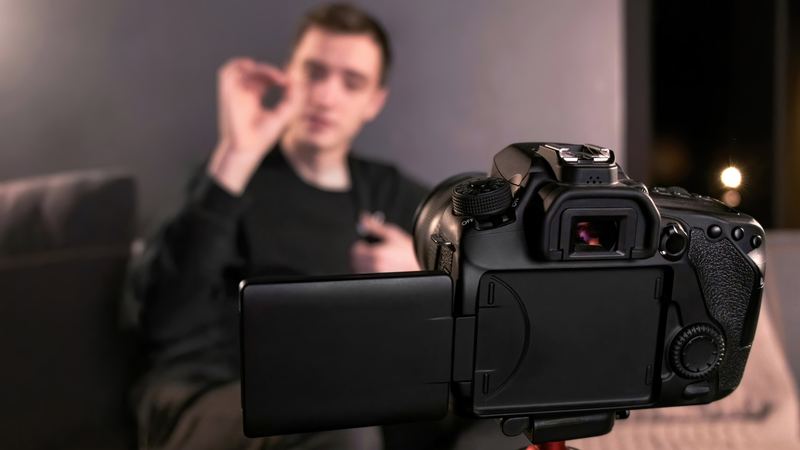
Hit the hook word for word and batch a week of videos in one sitting.
For social video
No second takes — ad-lib, come back, and the prompter is still with you.
For live & webinars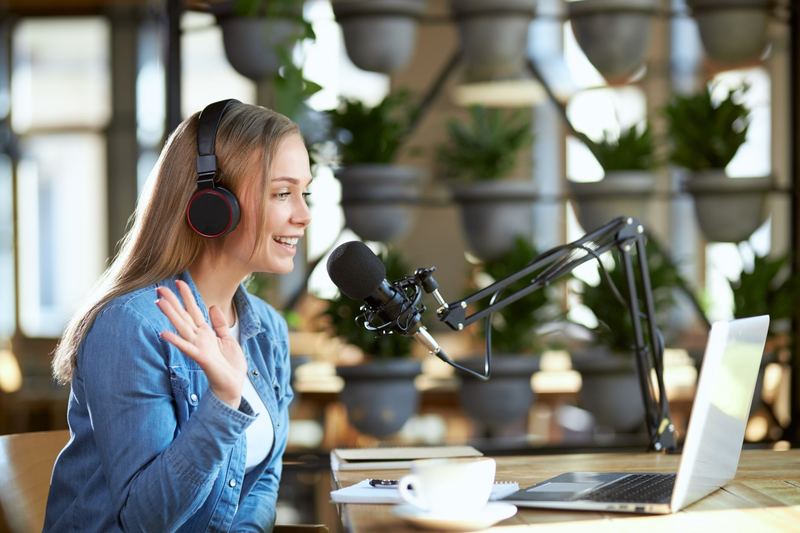
Microphone troubleshooting, tracking questions and system requirements.
Get helpOnwords for Windows
Onwords is out now on the Microsoft Store, with a free 7-day trial — try it on your own script, your own microphone and your own accent.
Free 7-day trial · then £19.99 once, never a subscription · Windows 11 and Windows 10 · no account · your scripts never leave your computer