You cannot stop
No pausing to find your place. Onwords keeps your current line centred while you talk, so there is nothing to find.
 Onwords
Onwords/Who it’s for/Live streams & webinars
Teleprompter for live streams & webinars
Live is the worst possible place to be hunting for your next line. Onwords keeps the line you’re on centred while you talk — and when you go off-script to take a question, it waits for you rather than running on without you.
Live
Everything that is merely annoying in a recording — losing your place, gabbling to catch up, a long silence while you scroll — happens in front of the audience when you’re live.
No pausing to find your place. Onwords keeps your current line centred while you talk, so there is nothing to find.
A question, a comment, a tangent. It holds position rather than guessing, then picks you up when you return to the script.
No connection, no service, no sign-in. Speech recognition runs on your own machine, so a wobbly network takes your stream down before it touches your prompter.
Webinars
Most webinars aren’t read word for word — they’re a written spine with speaking around it. Onwords follows that comfortably: put the parts that must be exact in the script, talk freely around them, and the position stays with you.

Your setup
Live means chat, comments, a stream deck, a switcher and a producer in your ear. The prompter needs to be a clean, quiet rectangle that never asks for attention.
Also worth a look

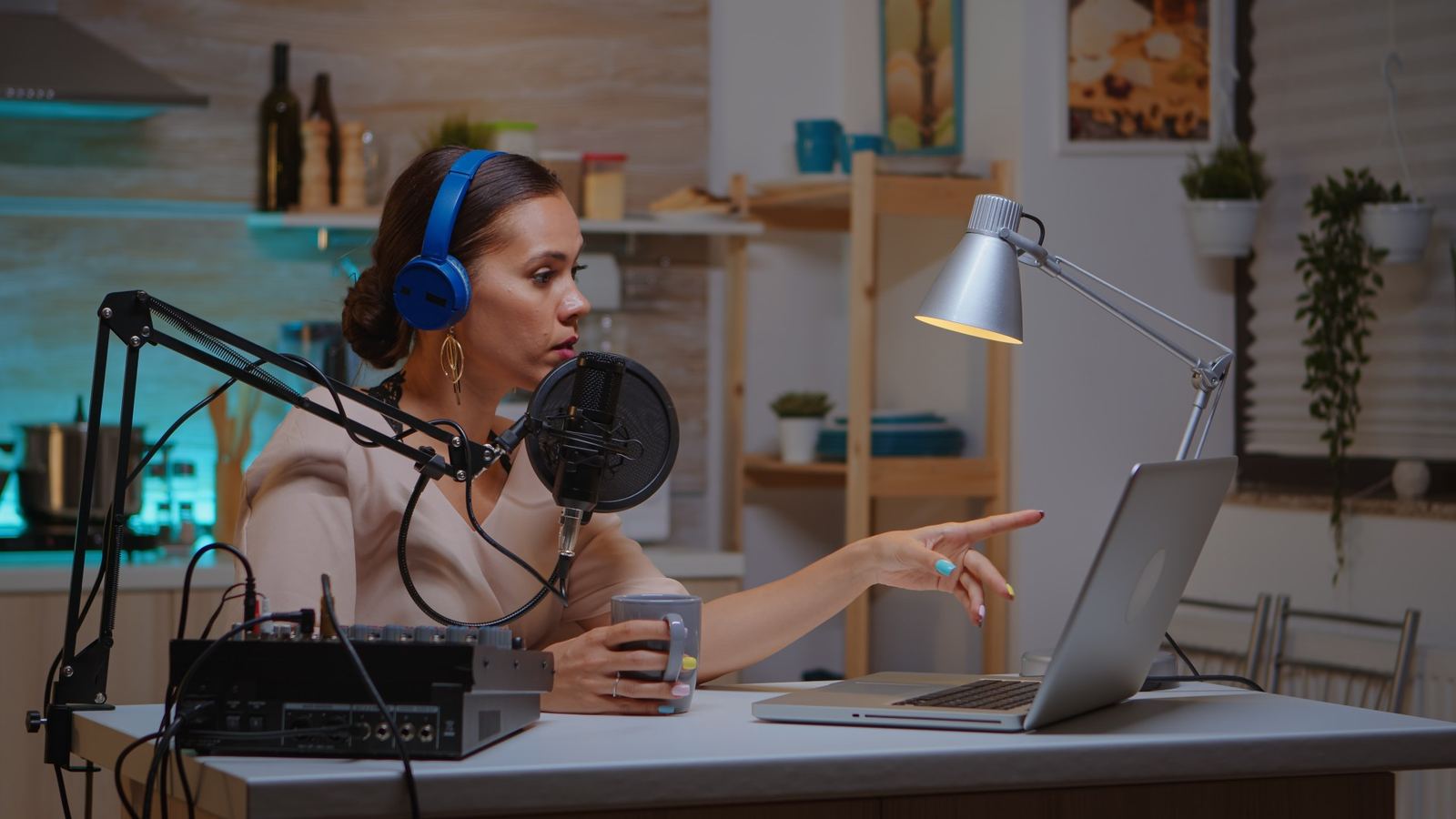
Scripted intros, sponsor reads and co-hosted episodes with tinted speaker lines.
For podcasters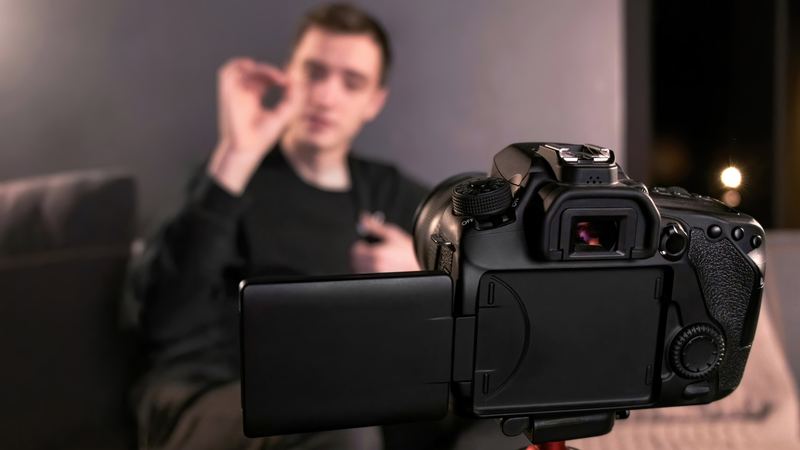
Hit the hook word for word and batch a week of videos in one sitting.
For social video
Microphone troubleshooting, tracking questions and system requirements.
Get helpOnwords for Windows
Onwords is out now on the Microsoft Store, with a free 7-day trial. It runs entirely on your own machine — no service to go down mid-stream.
Free 7-day trial · then £19.99 once, never a subscription · Windows 11 and Windows 10 · no account · your scripts never leave your computer